Dirty Unicorns ROM for Pixel 4 XL! [Dirty Review]
https://www.youtube.com/watch?v=issUa5d6mxE
Here’s a quick & dirty review of Dirty Unicorns ROM for Pixel 4 XL and a few other phones as listed below.

For People High On Android
https://www.youtube.com/watch?v=issUa5d6mxE
Here’s a quick & dirty review of Dirty Unicorns ROM for Pixel 4 XL and a few other phones as listed below.
Here’s my quick review of Xiaomi Mi 9 running CrDroid GSI Android 10 ROM. Really fast performance, excellent battery life, and Magisk SafetyNet check passes with working Google Pay. If you want a really good old phone, I think Xiaomi Mi 9 is a great choice if you install a GSI ROM like this. My current setup here runs waaay faster than my Samsung Galaxy Note 20 Ultra w/ Samsung stock firmware. If you want pure Google experience w/ low-cost hardware, Xiaomi phones are where it’s at since they allow you to fully unlock the bootloader and the stock MIUI firmware is nearly 100% compatible with Android AOSP.
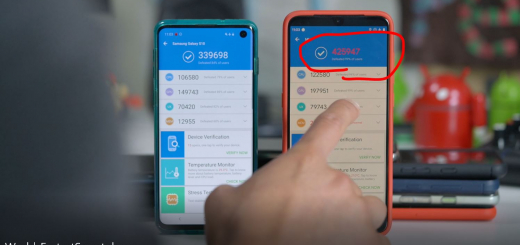
If you want to make the fastest Android smartphone in the world with a Xiaomi Mi 9 Android smartphone, you can use the M.O.D kernel which enables you to overclock the GPU to 830Mhz, converts your ext4 to F2Fs filesystem for faster filesystem, and ZRAM LZ4 data encryption which doubles your memory speeds. This kernel can be used both on stock MIUI firmware, custom MIUI ROM, or any AOSP custom ROM running Android 9.0 Pie.
Havoc ROM has an awesome charging animation that shows you real-time charging current, voltage, and temperature of your Android smartphone. This is especially great for checking if your phone is fast charging using Quick Charge or DASH.
Syberia ROM is definitely one of the best custom ROMs I have tried on my OnePlus 6 after countless flashing of more than a dozen ROMs. Performance is excellent along with great, long battery life.
Here’s is me with AOSiP ROM on my OnePlus 6T w/ Magisk root, safetynet passing, Google Camera, OnePlus Camera, and fingerprint working. Yey, it’s fast and good.
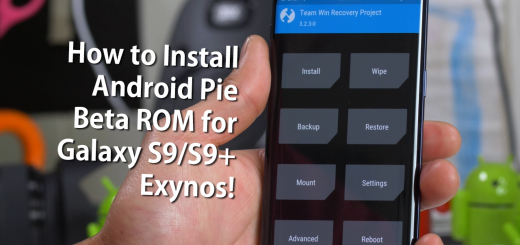
Here’s a step-by-step tutorial on how to install the latest Android Pie Beta 2 ROM for your Samsung Galaxy S9 or S9+ Exynos models along with Samsung One UI. For rooted users, you will be able to enjoy the latest Samsung One UI along with ton of customization such as mapping your Bixby to Google Assistant, enable call recording, and lots more.
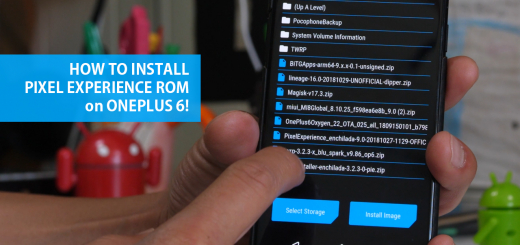
For those of you who want to convert your OnePlus 6 into a full-fledge Pixel 3, we’ve got a full tutorial for you on how to install the Pixel Experience ROM on your OnePlus 6.
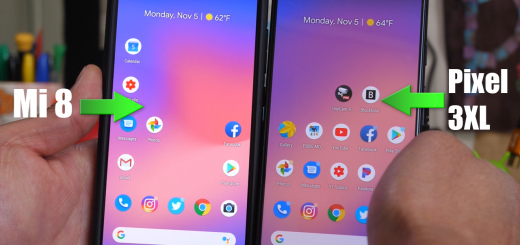
Pixel 3 ROM for Xiaomi Mi 8 by XDA user ArGraur is HERE to give you FULL conversion from a real Pixel 3 firmware. While I have installed countless custom ROMs on various different Android smartphones, this one certainly is special because it allows you to fully enjoy Pixel 3 features on a phone that costs less than half as much($420 Xiaomi Mi 8 vs. $899 Pixel 3 XL). Now, while not EVERYTHING works but almost everything works on the Pixel 3 ROM for the Xiaomi Mi 8.
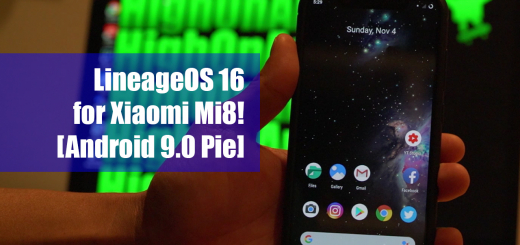
LineageOS 16 ROM for Xiaomi Mi8 is probably the first custom ROM you want to try on your Mi8, especially if you want to run something more closer to stock Android like Pixel 3 with latest Android 9.0 Pie. Although MIUI isn’t bad, personally I am more used to stock Android experience and I really hate the iPhone-like MIUI launcher. Also, menus are way different on MIUI and I wanted to run a software that I am more used to.